How to cite a website: source details and clear examples
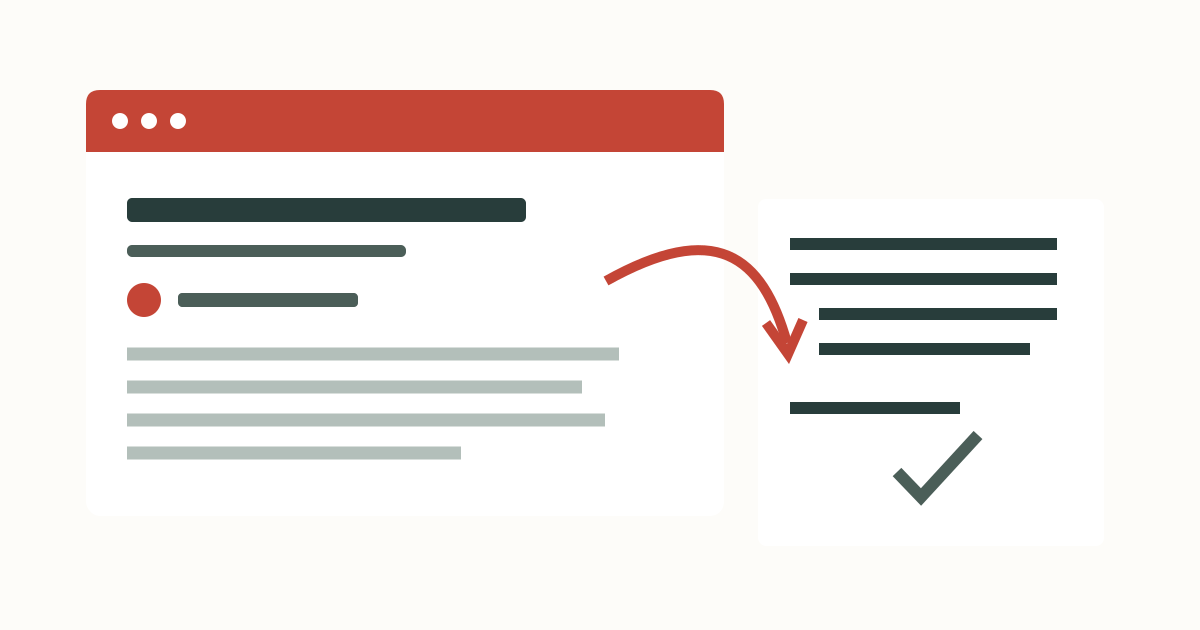
A website citation should identify the page you used, not just the site that hosts it. Before copying an address into your bibliography, collect the page title, credited author, publication information and the exact URL. I keep the page open beside the citation form so that every field can be checked against the work.
Cite the page, not the homepage
A search result may bring you directly to an article, report or help page. That page is the source your reader needs to find. Copy its address from the browser after opening it, rather than copying a search-engine results link. A homepage address can make a reference look complete while leaving readers to search the entire site for the claim you used.
Check what kind of work you have before choosing Webpage. A journal article remains a journal article when you read it online. A report published as a PDF can still be a report. The file extension tells you how the work is delivered; it does not settle its citation category. I start with the work’s identity and then select the matching source type in the citation generator.
Collect the details in a repeatable order
- Choose the style required by your assignment and the type of work you read.
- Copy the page’s own title into Source title, keeping the website name separate.
- Enter each credited person in the printed order, or use Group author for a credited organization.
- Enter the publication year or complete publication date only when the page supplies it.
- Add the website name and direct URL. Enter an access date when the chosen convention calls for one.
- Generate the citation, compare both outputs with the page, and copy or save the source.
The main form keeps the publication and address fields visible. Optional details and access date contains additional fields. Nothing is retrieved when you paste a URL: this is manual entry. A complete record can also be imported from a supported local file. If the source is already saved, search your local bibliography by its title or identifier instead of entering it again.
Match the page to the form
| On the original page | In the form | Check before saving |
|---|---|---|
| Heading of the page or article | Source title | Do not substitute the site’s navigation label. |
| A named byline | Given names and family name | Keep the credited author order. |
| A credited organization | Group author | Use its full name as one value. |
| Name of the hosting publication | Website name | Distinguish the site from the individual page. |
| Publication information for this work | Publication year or full date | A footer copyright notice is not necessarily this page’s date. |
| Address of the work you read | Source URL | Check the path points to the particular work. |
I copy titles from the visible work and read them once more after formatting. Citation conventions can alter capitalization, but they cannot reliably repair a misspelled proper name. Keep meaningful punctuation and acronyms in the source data. If the title shown in a browser tab contains navigation or advertising text, the page’s own heading is usually the better starting point to inspect.
An APA webpage example without a date
The Purdue OWL electronic-source guidance separates credited authors, page titles and site names. For a group author whose name matches the website name, APA omits the repeated site name. An absent publication date uses n.d.; it is not replaced by the day you opened the page. Retrieval dates have a specific role for changing, unarchived content rather than being compulsory for every website.
Here is an illustrative record, not a publication to add to your assignment: group author Sample Library; page title Reading sources; website name Sample Library; URL https://example.org/notes; no publication date. With APA selected, its reference is:
The matching in-text citation is (Sample Library, n.d.). The author appears once in the reference, and the URL identifies the particular page. When copying this structure for your own work, replace every illustrative detail. If your page credits no author, leave the author fields blank and follow the title-first treatment explained in the missing-author guide.
Keep MLA and Chicago outputs distinct
The MLA Style Center’s format index distinguishes the work from the publication containing it. That distinction is why the form separates page title and website name. An MLA in-text citation identifies the relevant author or title and a location when available. Do not insert an APA-style publication year into the compact citation just because the full entry contains one.
Chicago’s notes-and-bibliography option produces a bibliography reference and a full note. Its official examples show these as separate outputs. Copy the full note into a note, then let your document editor handle footnote placement and numbering. The tool does not manage a sequence of shortened notes across an essay. For an undated webpage, inspect the access-date reminder and supply the date you actually consulted it.
Before switching styles, save the source rather than keeping only a copied string. Your saved fields can be reformatted together, and each bibliography row offers its corresponding citation or note. The citation-style guide explains the differences between the two outputs and the named Harvard convention included here.
Check the reference after copying
A working address does not prove that a page supports the sentence you wrote. Open the work, locate the passage and compare it with your claim. An identifier checker can reject a malformed value, but it cannot decide whether you have read the right source. The five source-detail groups in the preview are reminders of entered information; they are not an accuracy rating.
Plain-text copy gives you the reference wording. If your document needs the preview’s italics, use the HTML export and inspect the formatting in the receiving editor. Save a JSON project before clearing browser data so that the original fields remain editable. I finish with the document itself: the citation beside the passage should lead to the correct bibliography entry, and that entry should lead to the specific page a reader can inspect.
Questions and answers
Can I paste a URL to retrieve the author and title?
This tool does not retrieve webpage metadata. Paste the URL into Source URL and enter the page details manually, or import a supported local record.
Do I cite a PDF as a website?
Choose the type of work, such as report or journal article. A PDF is a file format, not a citation category.
Should I use the copyright year in the footer?
Use a publication date that belongs to the specific work. A site-wide copyright notice does not necessarily identify when that page was published.